Football playbook import: Bring the playbook you already have.
Drop in a playbook PDF, photos, screenshots or film, and AI turns each diagram into a play you can edit. Anything it isn't sure about is flagged for you to check.
3 plays
- Trips Right SmashLooks good
- Doubles Mesh1 to check
- Bunch Y-CrossLooks good
What you can bring
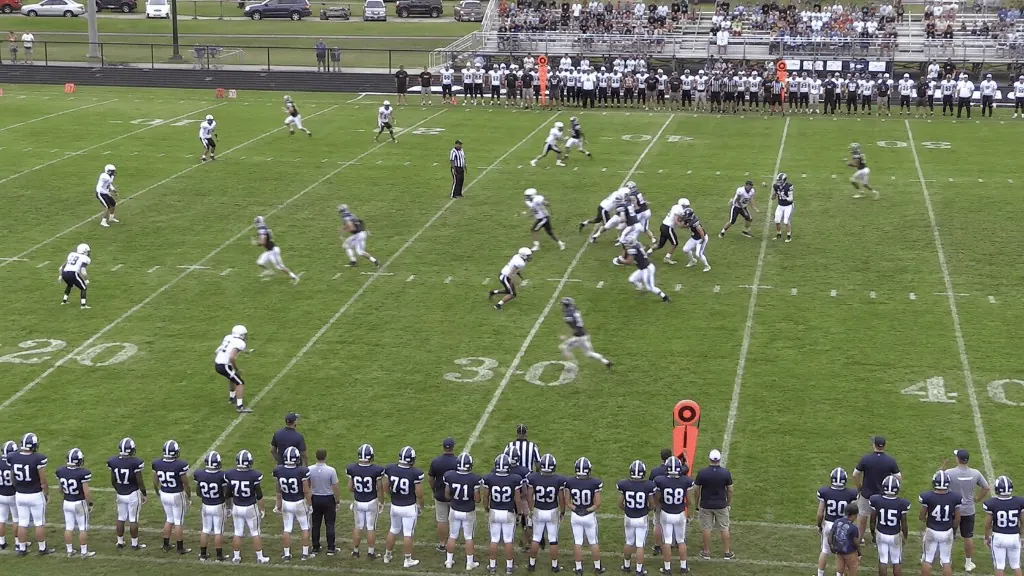
A playbook PDF (Snack picks the pages that draw plays), photos or screenshots of a drawn play, or video: a frame of a drawn play, or the snap in game film.
A playbook PDF also brings its formation sheets into your formations and its route tree pages into your numbered routes. A Hudl breakdown export (CSV or XLSX) tags the plays you already have with their formation and run or pass.
Check it, then create it
Choose Offense or Defense, drop your files, and Snack reads each play. Anything to check is listed under the play, like a player it couldn't identify or a route that was hard to read. Select a flag to jump to that player and fix it.
Plays that read cleanly start checked. Pick a playbook for them and save the whole batch at once, up to 250 plays an import. You can close the window while Snack reads, and come back from the count at the top of Plays, like 4 plays to review.
Drawn PDFs read exactly
A playbook PDF drawn in a playbook program, like a Hudl export, is read from its drawings rather than from a picture of them, so the players and routes land where you drew them. Each play is named as printed on its card and split into formation and play.
Then it's a play like any other
Edit it, run it in the simulator, put it in a playbook or game plan, print it on a wristband, and share it with your athletes, who get a quiz written from it.
Frequently asked questions
Football. In other sports, start from the built-in setups for your sport and draw from there.
Get started
From the first practice to the final whistle
Start with one app and add the rest when you're ready. Free for up to 5 members. No credit card required.
Compare plans and prices